





UberCam 4 with HyperCam

UberCam 4 with HyperCam
UberCam 4 — now rebuilt for LightWave 2024 and later!
System Requirements:
LightWave3D 2024.2 and up
Windows 10, Windows 11 x64
📖 UberCam 4 with HyperCam — User Manual
🎥 Supported Camera Bodies & Lenses
Already own UberCam 4 with HyperCam? Download the latest version
If the in-app update ever gives you trouble – a download that stalls or a connection that drops – you can always get the current installer right here instead.
Already own a license? Enter your key to download the latest installer.
Need a hand? Email support@liberty3d.com.
New in this release
Bundle 1.9.10 — HyperCam 1.2.77 · Sensor 0.4.134 · HyperDIT 0.9.7 · Mimic 1.3.38
New in Bundle 1.9.10: HyperCam’s measured STMap library grows again — a tracker-solved redistort map for the iPhone 17 Pro Max main camera, bound to the iPhone 17 Pro main body/lens pair. And HyperLook 1.1.12 makes its compositing passes behave the way compositors expect: the grain pass is now signed noise that adds straight onto the shot (merge it in Normal and dial it with Blend), and the stock and pregrain passes carry your render’s real alpha.
HyperDrive — a work in progress, evolving fast: HyperCam can now drive the camera from the shot itself. Read an R3D through REDLine and the body, ISO, iris and shutter come from the file’s own recorded metadata — or drive from a Mimic take file, written beside the clip when Mimic reads it. HyperDrive is young and moving quickly, and it grows release by release.
More bodies, more lenses: the library grows to 191 bodies (28 of them RED), with the ARRI AMIRA and the full ARRI recording-mode set added — and picking a body now sets LightWave’s native aperture readout to match. The resolution presets now ship per manufacturer: 103 presets across 11 camera makers in the Resolution-Presets-by-Manufacturer folder, each with its own installer tool (Install, Replace or Remove, with your config backed up first) — or paste a maker’s lines into your config by hand./p>
Sensor 0.4.123: seventeen profiles that had become unreachable are back — the DJI Pocket 3 has its own grain character again — plus new Sony A7 V, Sony FX30 (two selectable variants) and ARRI AMIRA profiles. A body with no measured profile gets no grain, never a borrowed one.
Sensor 0.4.134: the film stock library grows from 14 to 53 stocks. Kodak gains Ektar 100, Portra 160 and 800, the T-Max family, Kodachrome 64, Plus-X, Ektachrome E100VS, Gold 200 and HIE Infrared. Fujifilm arrives in full — Eterna 250D, both Eterna Vivids, Reala 100, Astia 100F, Velvia 100, Provia 400X, the Fujicolor Pro pair, Neopan Acros 100 and FP-100C — joined by Ilford’s Deltas and FP4 Plus, the CineStill trio, Agfa Scala 200x and Vista 200, ORWO Wolfen NC400/NC500, and five Polaroid stocks. Kodak Aerochrome joins as an interpretive false-color build, flagged as such until it can be measured from scans. The looks gallery and previews cover all 53.
HyperCam 1.2.76: the camera body thumbnails in the panel are fixed. The body list outgrew the thumbnail map after the October body expansion, so some bodies showed the wrong camera’s picture and the Sony A7 V showed a black slot. The map has been regenerated for all 191 bodies — the A7 V, the new RED V-Raptor and Weapon bodies, and the ARRI AMIRA (new thumbnail) now show their own pictures. STMap handling is also hardened: a map being sampled is reference-held until the frame finishes reading it, and baked maps are written atomically. Clearing or re-picking a map behaves exactly as before.
HyperDIT 0.9.7: the viewer sleeps during F9/F10 final renders instead of competing with them for CPU, and wakes when the render ends. Viewer and Tap 0.1.21 ship as a pair.
Mimic Link: the look you build in Mimic mirrors live into the Sensor inside LightWave — on frame boundaries, never mid-render — while you work it. Mimic itself takes its biggest reading update yet in 1.3.38 (below).
Fourteen Specialty Cameras
Fourteen specialty cameras for VFX, previz, and immersive work:
All fourteen share one license with HyperCam and the Sensor — activate once, everything unlocks via our new licensing system.
Note: additional UberCam cameras from prior versions (including the Surface Baking camera) are being evaluated for reintroduction in future updates. These updates will come quick!
And Now, introducing!!!!

HyperCam
HyperCam replaces LightWave’s camera with a real-world cinematography tool. Pick an actual camera body and lens, and HyperCam matches its sensor, optics, and character.
Real Cameras, Real Lenses
- 191 camera bodies — from cinema flagships (ARRI, RED, Sony Venice, Canon C500) to mirrorless, DSLRs, and phones
- 332 lenses — spherical primes, zooms, anamorphics, and 155 cine lenses with true T-stop data
- Pick a body and lens, and the sensor size, crop, and optical character follow automatically
Real Optics
- Lens distortion — per-lens K1/K2 coefficients plus baked STMaps for complex warps. What you see is what that glass does.
- T-stops, not just F-stops — 155 cine lenses carry real transmission data. The panel shows T/ for cine glass, f/ for still lenses. Depth of field follows the geometry; exposure follows the light. Just like the real lens.
- Anamorphic support — 2x squeeze with proper desqueeze preview
Film Looks and Stocks
(via HyperCam Sensor)
- 53 film stocks — Kodak (Vision3, Portra, Ektar, T-Max, Kodachrome, Ektachrome, Gold, HIE Infrared, Aerochrome), Fujifilm (Eterna, Reala, Astia, Velvia, Provia, Fujicolor Pro, Neopan Acros, FP-100C), Ilford (Delta, FP4 Plus, HP5), CineStill, Agfa, ORWO Wolfen, and Polaroid/li>
- 20 movie looks — curated cinematic grades
- 26 sensor profiles — matched to real cinema cameras (ARRI Alexa, RED, Blackmagic, Canon Cinema, Sony Venice, Panasonic Varicam)
- Body-driven response — with Auto Look on, the Sensor reads your HyperCam body and selects the matching sensor profile and grain character. Switch from a Sony FX3 to an ARRI Alexa and the color science follows — or load any LUT manually to override
Works as a System
- HyperCam Sensor (included) — a pixel filter that reads HyperCam’s exposure data and applies real sensor response: ISO, shutter, iris, film stocks, movie looks. What the camera meters is what you get.
- CameraLink — HyperCam publishes its state to a sidecar file so the Sensor, HyperCast, and third-party tools stay in sync.
- In-camera updates — the panel checks for new versions and downloads them directly (no website visit needed).
HyperLook — Look Passes for Comp
HyperLook is an Image Filter that works with the HyperCam Sensor to write separate look passes as EXR files for compositing — solving LightWave’s inability to create custom render buffers.
Three EXR passes, next to your beauty render:
- _stock — beauty + film stock LUT
- _pregrain — beauty + stock + movie look (no grain)
- _grain — grain only, centered on mid-grey
Comp formula (Nuke):
grain = Read(“beauty_grain_0001.exr”) – 0.5
final = Read(“beauty_pregrain_0001.exr”) + grain
Automatic Sensor coordination: HyperLook and the Sensor coordinate via the look sidecar — no manual setup. When the Sensor is on, it owns the beauty look and HyperLook writes only the grain pass. When the Sensor is off, HyperLook takes over the full look plus all passes. No double-application, ever.
Production paths: Passes go next to your beauty render (from Render Options output path), respecting render controller path remapping. Never touches the plugin directory.
HyperCam in Action
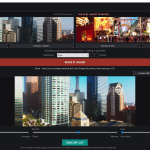
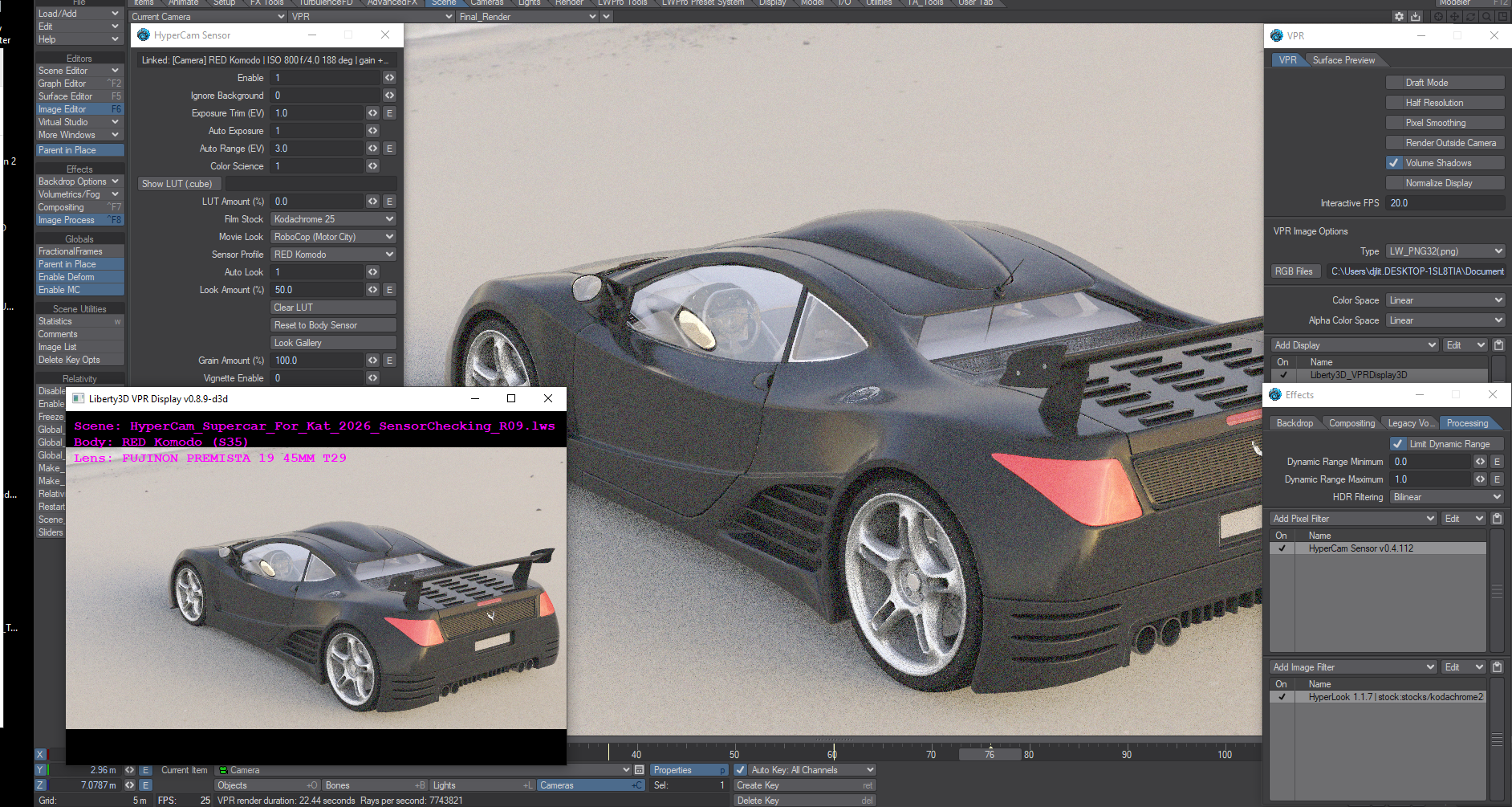
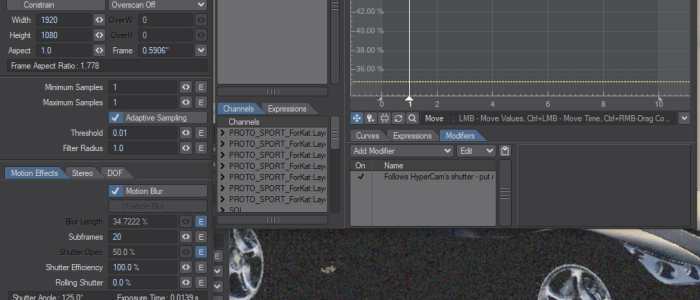
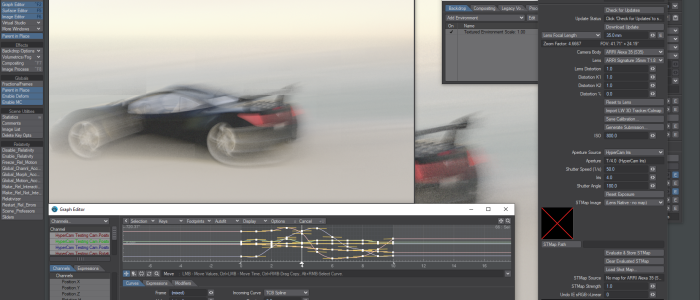
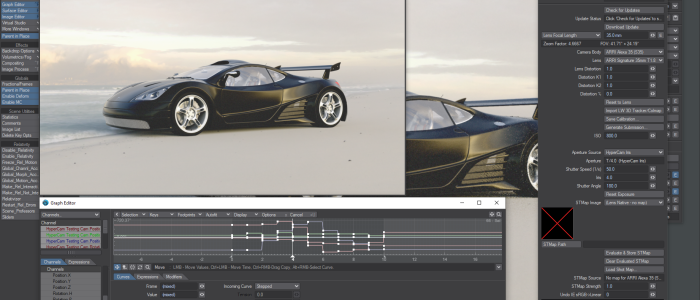
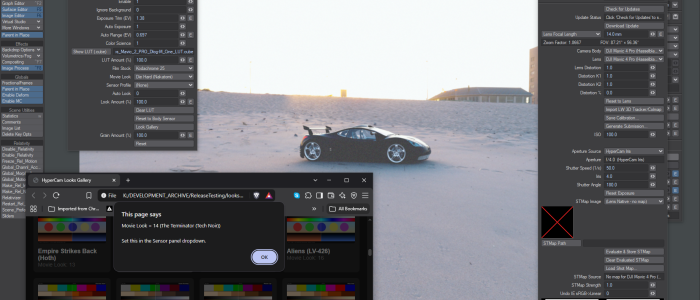
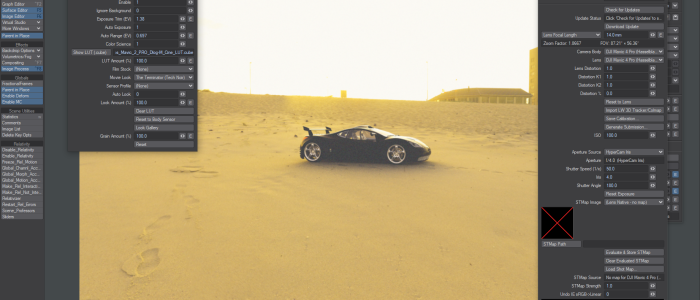
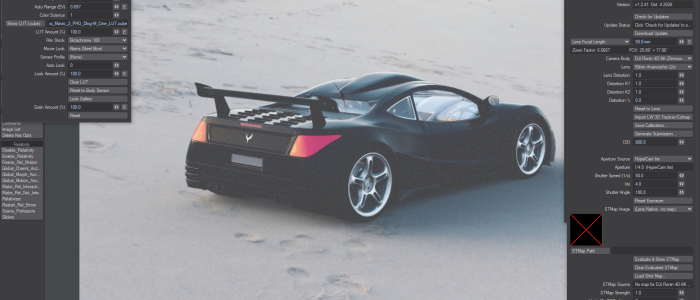
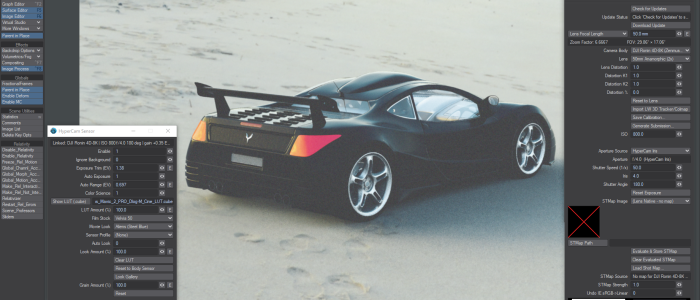
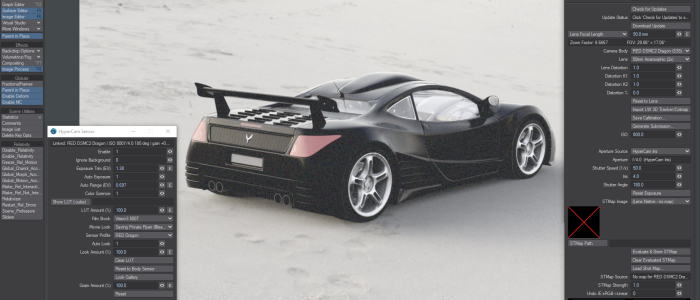
HyperCam at work — sensor and camera panels, ShutterLink motion blur, IrisLink depth of field, the Looks Gallery, movie looks, and film stock emulations:
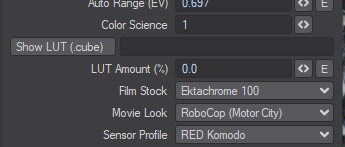 The HyperCam Sensor panel — real camera sensor emulation with exposure matching, film stocks, and movie looks. Shown here linked to a RED Komodo at ISO 800.





System Requirements:
LightWave3D 2024.2 and up
Windows 10, Windows 11 x64
FireFly Killer
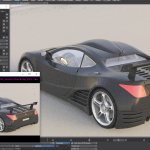
Same scene, same light, same render settings — the only change is the HyperCam Sensor switched on. Fireflies are born when a renderer has to shout: extreme values get lifted in post until single hot pixels sparkle across the frame. HyperCam exposes in-camera, in honest stops, so nothing needs the shout; the filmic response rolls the extremes off instead of clipping them, and the finishing grain dithers whatever residue is left.
HyperCam Sensor disabled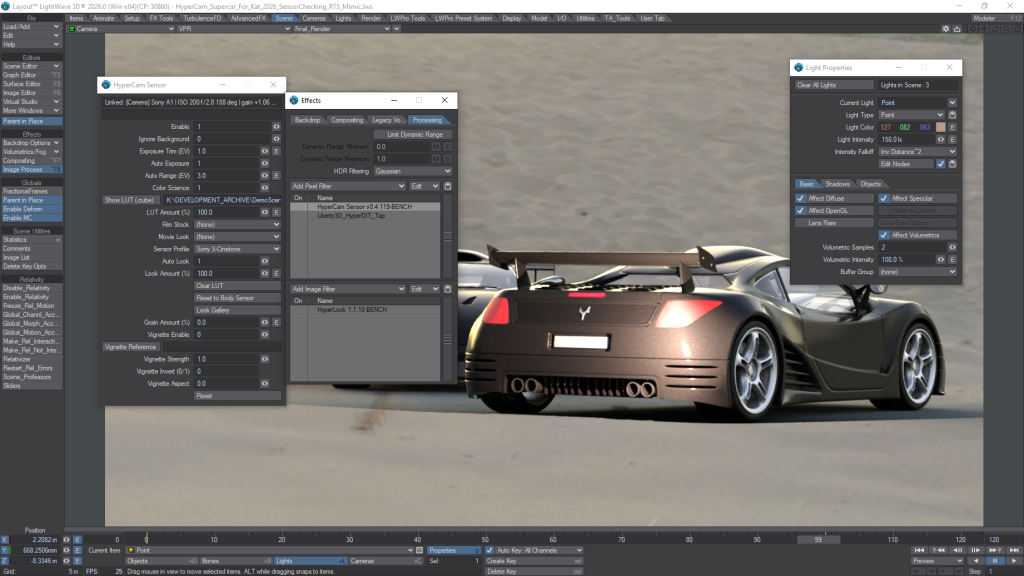
HyperCam Sensor enabled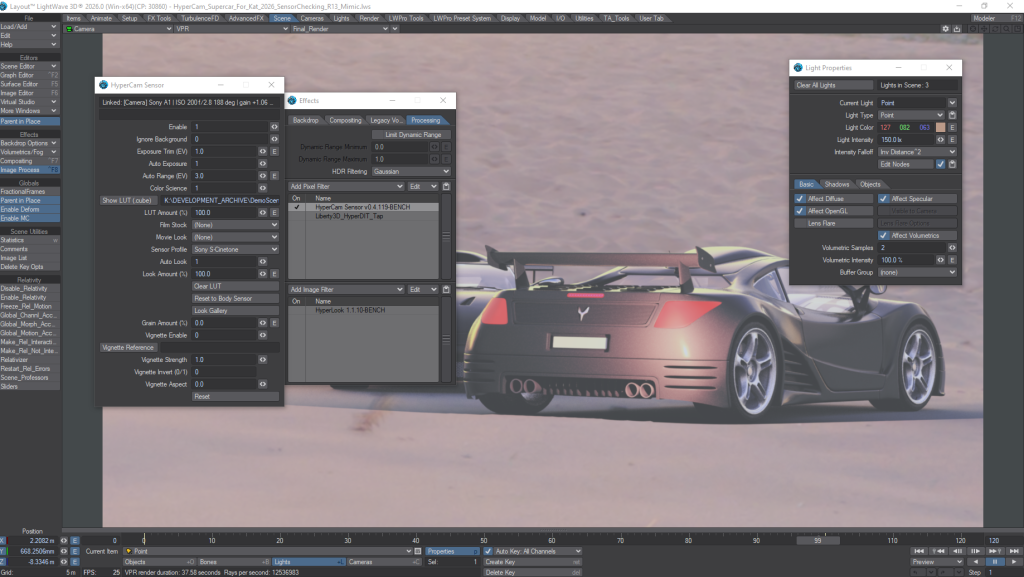
Now includes Mimic
Every UberCam 4 + HyperCam bundle now includes Mimic, Liberty3D’s look-matching tool, at no extra cost. Drop in your footage and the film you want it to look like, and Mimic builds a standard.cube LUT matched to your material – then, with Link LightWave3D turned on, that look streams live into Layout through the HyperCam Sensor while you work, so your render takes on the film’s character in VPR before you ever save the file.

The Mimic installer is inside the bundle download, and your bundle license key activates it – the same key, the same 2 machines, nothing else to buy.
Already own the bundle? You already own Mimic. It is in the current bundle download, and your existing key activates it today.
Buy it now for Just $99.00