




Liberty3D Tools
Liberty3D Branded Tools


![Practical Production Techniques Vol. 21 [KAT]](https://www.liberty3d.com/wp-content/uploads/2022/05/PPTV21_VFXEditingExample-1.jpg)

![RR Cam [RR]](https://www.liberty3d.com/wp-content/uploads/2017/02/RR_Cam_TN.png)
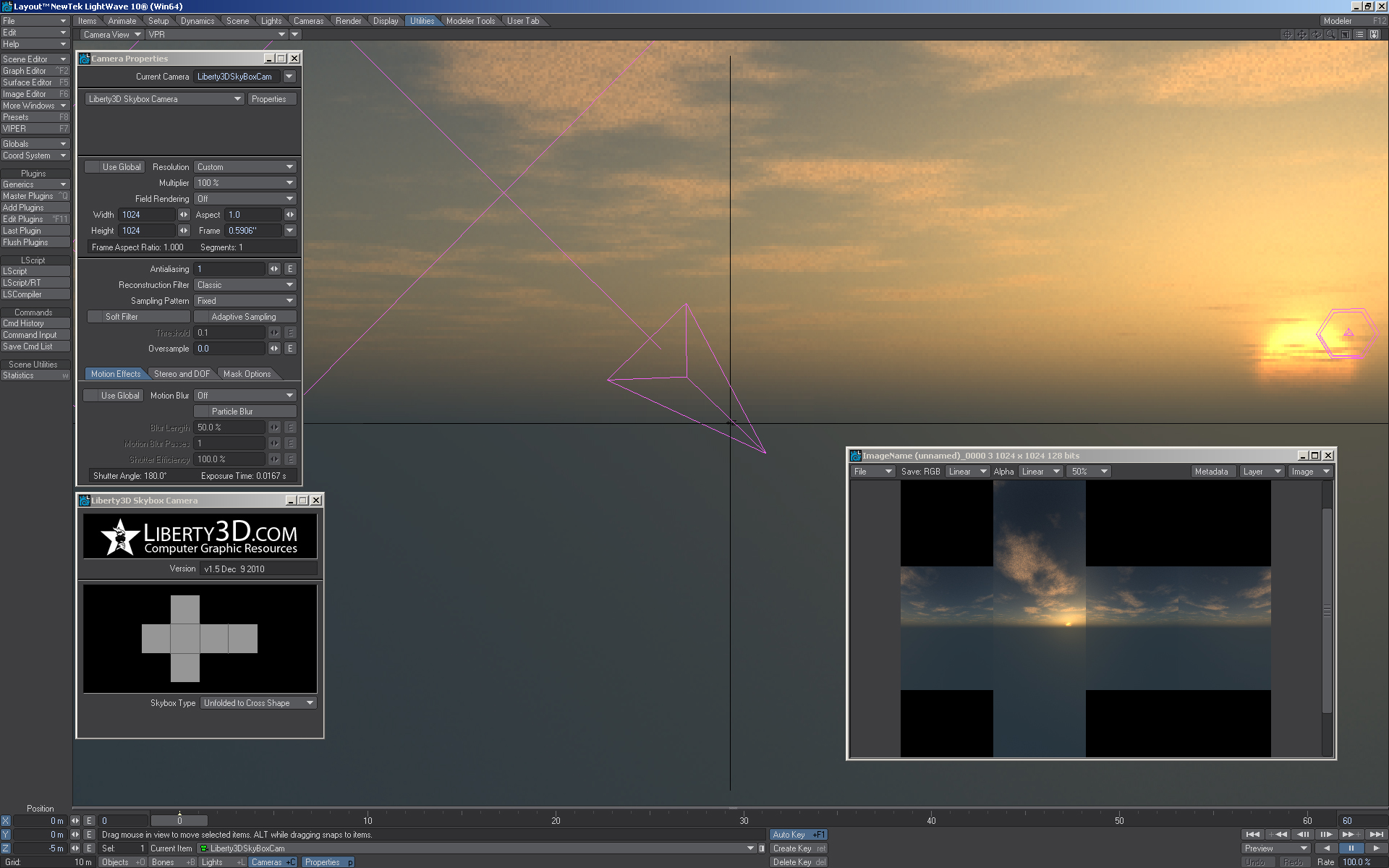

![RR Tools Pro [RR]](https://www.liberty3d.com/wp-content/uploads/2014/08/RR_Tools_Thumbnail.jpg)

![Liberty3D QuadPanels 1.5 [jw]](https://www.liberty3d.com/artists/videos/james/qp1-3post.jpg) New Products being developed and added shortly! Check checking back for updates.
New Products being developed and added shortly! Check checking back for updates.
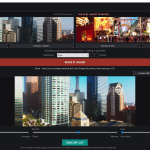
Mimic by Liberty3D - drop in your footage and the film you want it to look like, and Mimic builds you a standard .cube LUT that matches the look. Deep two-sided color analysis, preview with scopes, tweaks, done. Windows. Requires a license key (included with purchase) - perpetual license, 2 machines.
Two handy image tools for LightWave, in one download:
L3D WebM Saver (v1.0.8) — save animations and previews as WebM movies (VP8 or VP9) straight from Layout.
L3D WebP Loader/Saver (v1.0.0) — load WebP stills (lossy, lossless and extended/alpha) in the Image Editor, and save renders as WebP, lossy or lossless.
INSTALL
1. Unzip the download.
2. Copy L3DWebM64.p, L3DWebP64.p AND libwinpthread-1.dll into the same folder (your LightWave plugins folder works). The WebM plugin needs the DLL beside it; the WebP plugin needs nothing extra.
3. In Layout: Utilities > Add Plugins, and select both .p files. That's it — they install like any other LightWave plugin.
USE — WebM
Render Properties > Output > Save RGB type: choose "L3D WebM Movie Saver" — it also appears in the preview save menu. The Options button sets the codec (VP8 = fast, VP9 = smaller files) and quality (0–100). Video only (LightWave renders carry no audio), no alpha, 8-bit 4:2:0.
USE — WebP
Load: Image Editor > Load, any .webp still (an animated WebP loads its first frame). Save: Save RGB as "WebP RGB (.webp)". Settings — quality and lossless on/off — live under Utilities > Additional > WebP Saver Settings. Defaults: quality 90, lossy.
REQUIREMENTS
LightWave 2024.2 or newer, Windows 10/11 x64.
ONE HONEST NOTE
The WebM loader is included, but current LightWave builds don't list .webm in the Image Editor's file types, so loading WebM back into LightWave doesn't work yet — the saver is unaffected, and saved .webm files play fine in browsers and standard media players. The WebP loader works fully.
In this tutorial, Kat brings you through the steps of working in LightWave 2023/2024 and TurbulenceFD (which is now included in LightWave) to create a "Napalm" drop effect.
Every aspect of the creation process is covered in this 3.5 hour tutorial split into 10 easily consumable segments.
Practical Product Techniques Vol. 21 VFX Editing and Previs in Resolve Studio and LightWave3D is a 20-part (+ bonus videos) Tutorial on subject matter that Kat has been wanting to teach for sometime. The Art of VFX Editing and Previs within the context of a real production of shots for Curse of the Phantom Shadow as the last sequence in the short film to be tackled is at hand! Over 80 shots to be finished though, makes it on the surface, seem like a daunting task.
Fear not! Kat discussed in detail the process, logic behind VFX editing, shot count systems in popular use with LightWave3D for decades and why they are still used today, and how even a small team of artists needs it to stay organized and not discouraged.
Featuring new tool tips and tricks working in Davinci Resolve 18 Beta2 and LightWAve3D 2020.0.3 This video covers a lot and includes content!
PDHowler 2022.1
Howler 2022.1 is here!
Redesigned Media Browser streamlined and faster
Remembers recently used media between sessions
Browse all brush sets at the same time on the brush shapes panel
Analytical Upscale super-resolution
Advanced noise removal with non-local-means filter
Multi-frequency CLAHE (contrast limited adaptive histogram equalization)
Mark stored images as indelible to survive program restart
Color picker improvements
Feather the alpha selection, distance transform filter, and more
Previous versions
New Histogram Equalize, CLAHE, and High Pass Sharpen filters
Realtime Median and Highpass filters
Rewritten eyedropper tool can now pick onscreen colors
Loading and saving of settings / keyframes in revamped Puppyray
Improved multi-monitor support remembers the last used monitor
Substantial performance improvements
Overhauled animbrush sequence loading
Export H264 and WMV video formats.
Auto-magic blemish / feature removal
Animate with the line and circle tools
Polar designer, new stamp tool, rewritten text tool and so much more!UberCam 4 with HyperCam
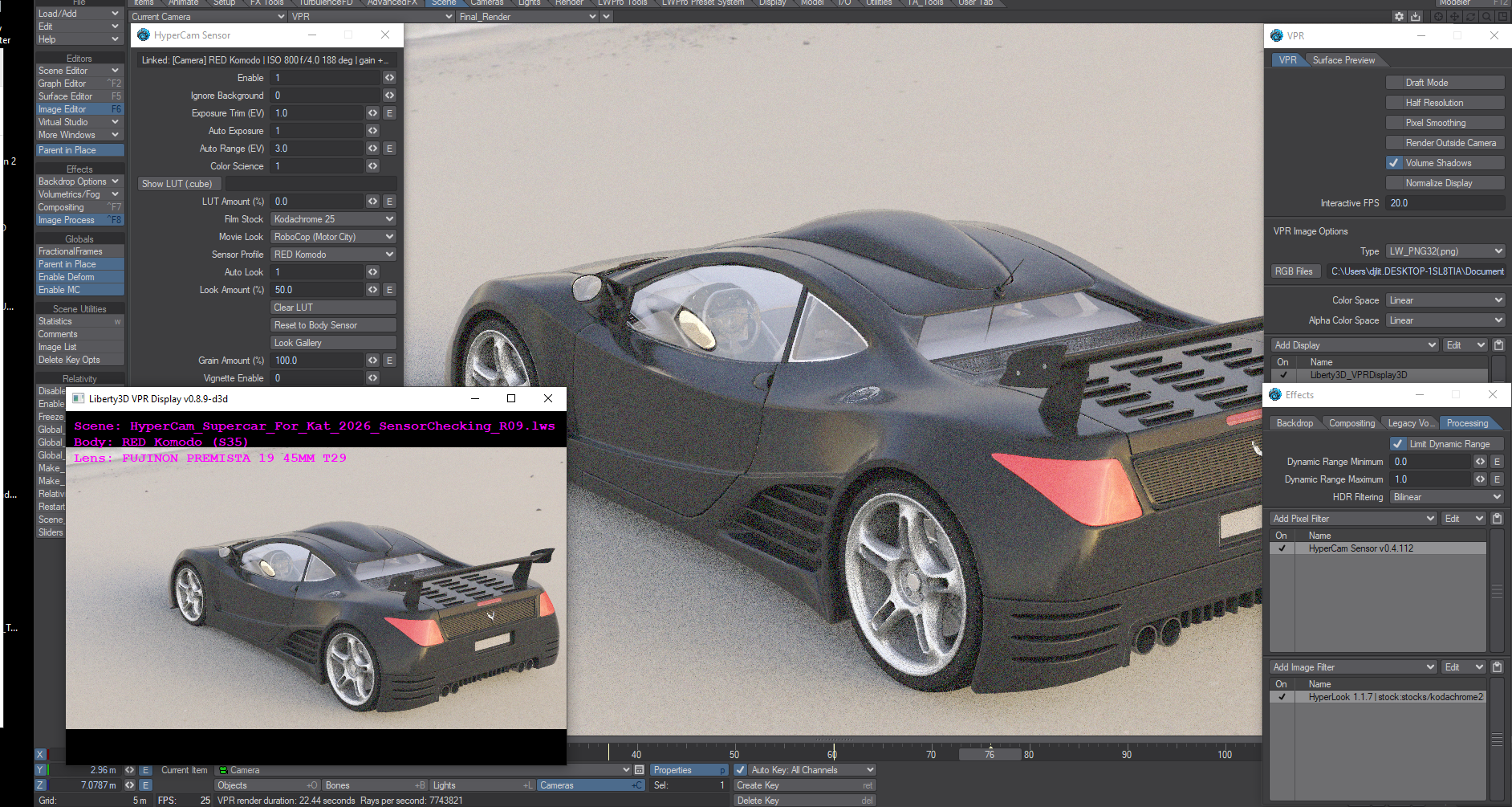
Now includes Mimic! Every purchase of the UberCam 4 + HyperCam bundle now includes Mimic, Liberty3D's look-matching tool: match the color of any film or footage, save it as a LUT, and stream it live into LightWave through the HyperCam Sensor link. The Mimic installer is included with your downloads, and your bundle license key activates it - no separate purchase or key needed.
RR_Tools pro is simple, but powerful plugin set designed to enhance the rigging and animation workflows of Lightwave. See video demonstration for examples of how these tools are used in production.
Liberty3D UberCam 2.6 for LightWave3D 9.3.1 - LightWave 2015 (and beyond!) with Oculus Rift Virtual Reality support!
Studio Pack (5 Seats)
More Awesome Cameras and tools for LightWave3D that you can use in production right away.
We have updated our VR Cameras in this release to provide for "back seam" free rendering as well as a completely re-written algorithm for our VR Stereo Camera giving you the best stereoscopic rendering for VR video out there.
You get the following Cameras:
Liberty3D VR Stereoscopic Camera (New in 2.1) Make Stereoscopic Spherical 360 Degree VR Video!
Liberty3D VR Camera (New in 2.0!) Make Spherical 360 degree videos on youtube!
Liberty3D Surface Baking Camera (New in 2.0! - Experimental)
Liberty3D Spherical Camera (Updated for 2.0!)
Liberty3D Radial Shift Camera (Updated for 2.0!)
Liberty3D OverScan Camera (Updated for 2.0!)
Liberty3D SuperPano Camera (Updated for 2.0!)
Liberty3D Stereoscopic Camera (Updated for use and compatibility with LW 2015 and Oculus Rift VR Headsets)
Liberty3D Dual-Cam Camera (Updated for 2.0!)
Liberty3d 4-Up Camera (Updated for 2.0!)
Liberty3D 12-Up Camera (Updated for 2.0!)
Liberty3D Perspective Camera (DOF) (Motion Blur) (Updated for 2.0!)
Liberty3D Perspective Camera (No DoF) (Motion Blur) (Updated for 2.0!)
Liberty3D Perspective Camera (No DoF) (No Motion Blur) (Updated for 2.0!)
Liberty3D Panoramic Camera (Updated for 2.0!)
Liberty3D Cylinder Camera (Updated for 2.0!)
Liberty3D Skybox Camera (Updated for 2.0!)
Liberty3D FishEye Camera (Updated for 2.0!)
You get the following Tools:
VRHeadset Manager (For use with both Oculus Rift DK1.1 and DK2 Virtual Reality Headsets)
Virtual Studio Tools VR Headset Device Node (For connecting your camera in lightWave to the Oculus Rift via virtual Studio Tools)
UberRift Viewer (A brand new floating viewer window that works with the Oculus Rift in stereoscopic, properly applying the barrel lens distortion effect to your layout camera viewport)
L3D Oculus Rift Barrel Distortion Image Filter (For use with our Stereoscopic camera so you can render out images using LightWave's renderer for viewing on the Oculus Rift)
This release of UberCam 2.6 is jammed packed with features and comes with an awesome 60+ page manual covering everything you need to know about how to set up your Oculus Rift and use it with LightWave3D.
MacOS 32bit/64bit (Universal Binary), Win64bit and Win32bit versions are shipped in this plug-in along with our new manual.
Please note that at this time the UberRift viewer works on Windows PC platforms (32bit and 64bit) only and requires at least LightWave3D 11.6.3.
Most camera plug-ins are backward compatible to LightWave 9.3.1.
LightWave 2017 is supported.
Liberty3D Weighter 2.0 is a compiled C/C++ plug-in for NewTek’s LightWave3D that enhances LightWave Modeler, assisting in vertex map transfer from mesh to mesh.
The product includes plug-ins for the Win 32, 64 bit platform as well as a MacOS Universal Binary version, working with versions of LightWave from 9.x to 11.x.
Based on the original Lscript concepts of Alexandre Labedade's Weighter plug-in, Weighter 2.0 provides similar functionality but at compiled C/C++ plug-in speeds and stability when handling large data sets that consume significant amounts of system RAM in Modeler.
RR_Tools pro is simple, but powerful plugin set designed to enhance the rigging and animation workflows of Lightwave. See video demonstration for examples of how these tools are used in production.



Liberty3D.com is proud to present the complete TA-Tools set from Timothy Albee.
This legendary tool package has been used on several productions around the world.
As an LScript set of tools these will run on LightWave3D up to version 11.6 in Modeler
and Layout. They include the following tools.
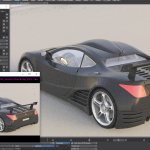
Quadpanels is a fast scifi mesh detailer for LightWave Modeler, v9.0 and up. It’s an Lscript so it works on all platforms, all versions of LightWave including v10.
Anything created with QuadPanels is free to use and distribute or sell without restriction, we only ask as a curtesy that you mention QuadPanels was used to create the product.
The plugin was created as a solution to the problem of adding nurnies/greebles to a surface. Adding random ‘bits’ to a surface can result in unrealistic geometry including deep intersections where some geometry is hidden under others etc. Quadpanels uses an iterative subdivision scheme to add details without overlaps and can maintain proportions of the various detail elements.
The evaluation version is limited:
Click here to view the demonstration video for the 1.3 upgrade
Click here to view the version 1.2 demonstration video
Click here to view the original demonstration video
- working with 6000 poly meshes.
- bugs you for a serial number often.
- only works with single polygon selections ( as opposed to detailing any number of polygons at once ) .
- only works with 2 custom nurnies.
Click here to view the demonstration video for the 1.3 upgrade
Click here to view the version 1.2 demonstration video
Click here to view the original demonstration video
Liberty3D UberCam 2.6 for LightWave3D 9.3.1 - LightWave 2015 (and beyond!)
More Awesome Cameras and tools for LightWave3D that you can use in production right away. We have updated our VR Cameras in this release to provide for "back seam" free rendering as well as a completely re-written algorithm for our VR Stereo Camera giving you the best stereoscopic rendering for VR video out there.
You get the following Cameras:
Liberty3D VR Stereoscopic Camera (New in 2.1) The ultimate solution for creating stereoscopic Spherical 360 Degree VR Video!
Liberty3D VR Camera (New in 2.0!) Make Spherical 360 degree videos on youtube.com, Facebook and more!
Liberty3D Surface Baking Camera (New in 2.0!)
Liberty3D Spherical Camera (Updated for 2.0!)
Liberty3D Radial Shift Camera (Updated for 2.0!)
Liberty3D OverScan Camera (Updated for 2.0!)
Liberty3D SuperPano Camera (Updated for 2.0!)
Liberty3D Dual-Cam Camera (Updated for 2.0!)
Liberty3d 4-Up Camera (Updated for 2.0!)
Liberty3D 12-Up Camera (Updated for 2.0!)
Liberty3D Perspective Camera (DOF) (Motion Blur) (Updated for 2.0!)
Liberty3D Perspective Camera (No DoF) (Motion Blur) (Updated for 2.0!)
Liberty3D Perspective Camera (No DoF) (No Motion Blur) (Updated for 2.0!)
Liberty3D Panoramic Camera (Updated for 2.0!)
Liberty3D Cylinder Camera (Updated for 2.0!)
Liberty3D Skybox Camera (Updated for 2.0!)
Liberty3D FishEye Camera (Updated for 2.0!)
You get the following Tools:
VRHeadset Manager (For use with both Oculus Rift DK1.1 and DK2 Virtual Reality Headsets)
Virtual Studio Tools VR Headset Device Node (For connecting your camera in lightWave to the Oculus Rift via virtual Studio Tools)
UberRift Viewer (A brand new floating viewer window that works with the Oculus Rift in stereoscopic, properly applying the barrel lens distortion effect to your layout camera viewport)
L3D Oculus Rift Barrel Distortion Image Filter (For use with our Stereoscopic camera so you can render out images using LightWave's renderer for viewing on the Oculus Rift)
This release of UberCam 2.6 is jammed packed with features and comes with an awesome 60+ page manual covering everything you need to know about how to set up your Oculus Rift and use it with LightWave3D plus handy tips on VR content creation using our new VR and VR Stereoscopic Cameras
MacOS 32bit/64bit (Universal Binary), Win64bit and Win32bit versions are shipped in this plug-in along with our new manual.
Please note that at this time the UberRift viewer works on Windows PC platforms (32bit and 64bit) only and requires at least LightWave3D 11.6.3.
Most camera plug-ins are backward compatible to LightWave 9.3.1.
LightWave 2017 is supported.